4. Medications
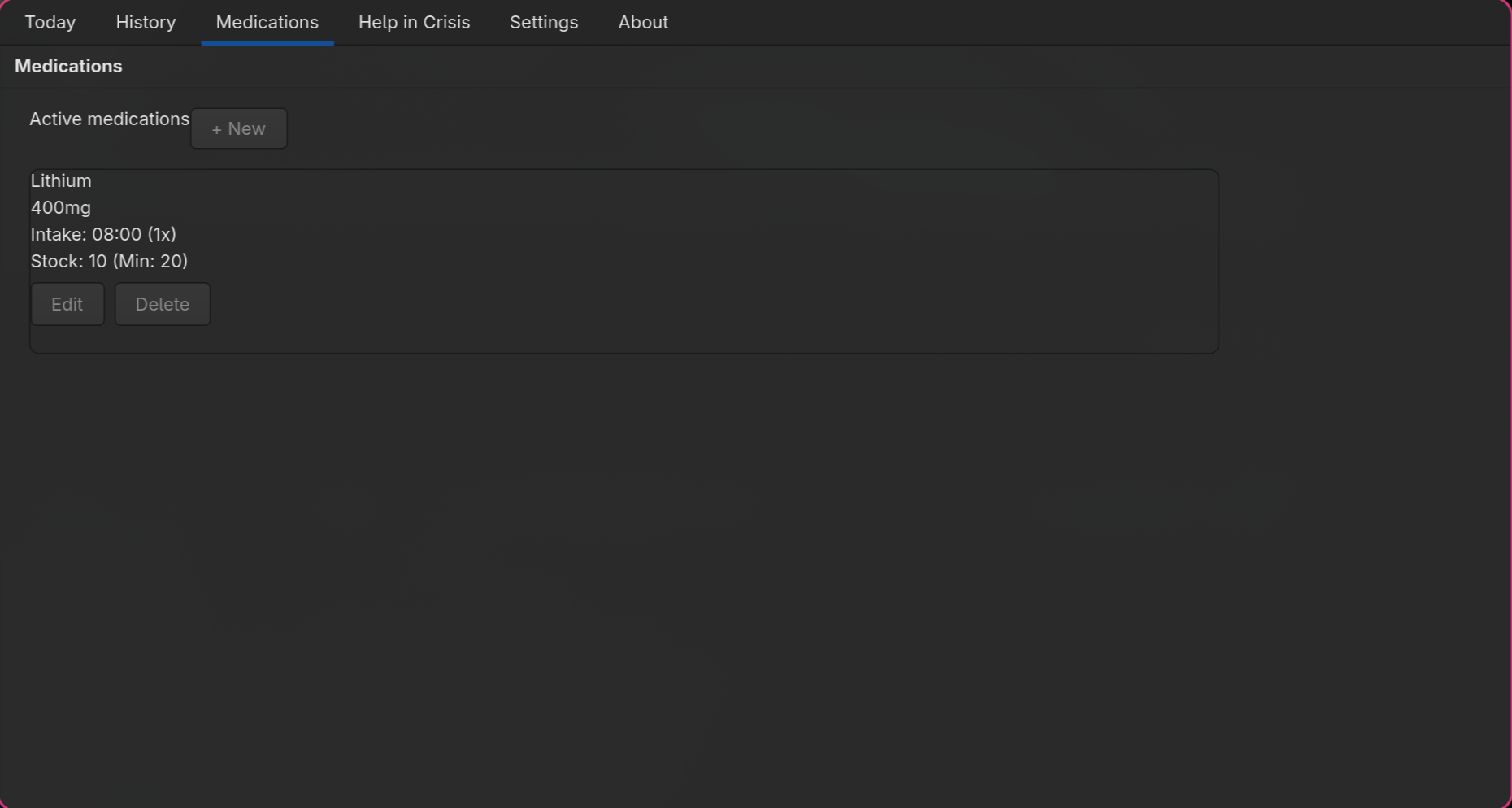
Open the "Medications" tab to manage your active medications.
Adding a Medication
Tap "Add" (top right). The form for a new medication opens.
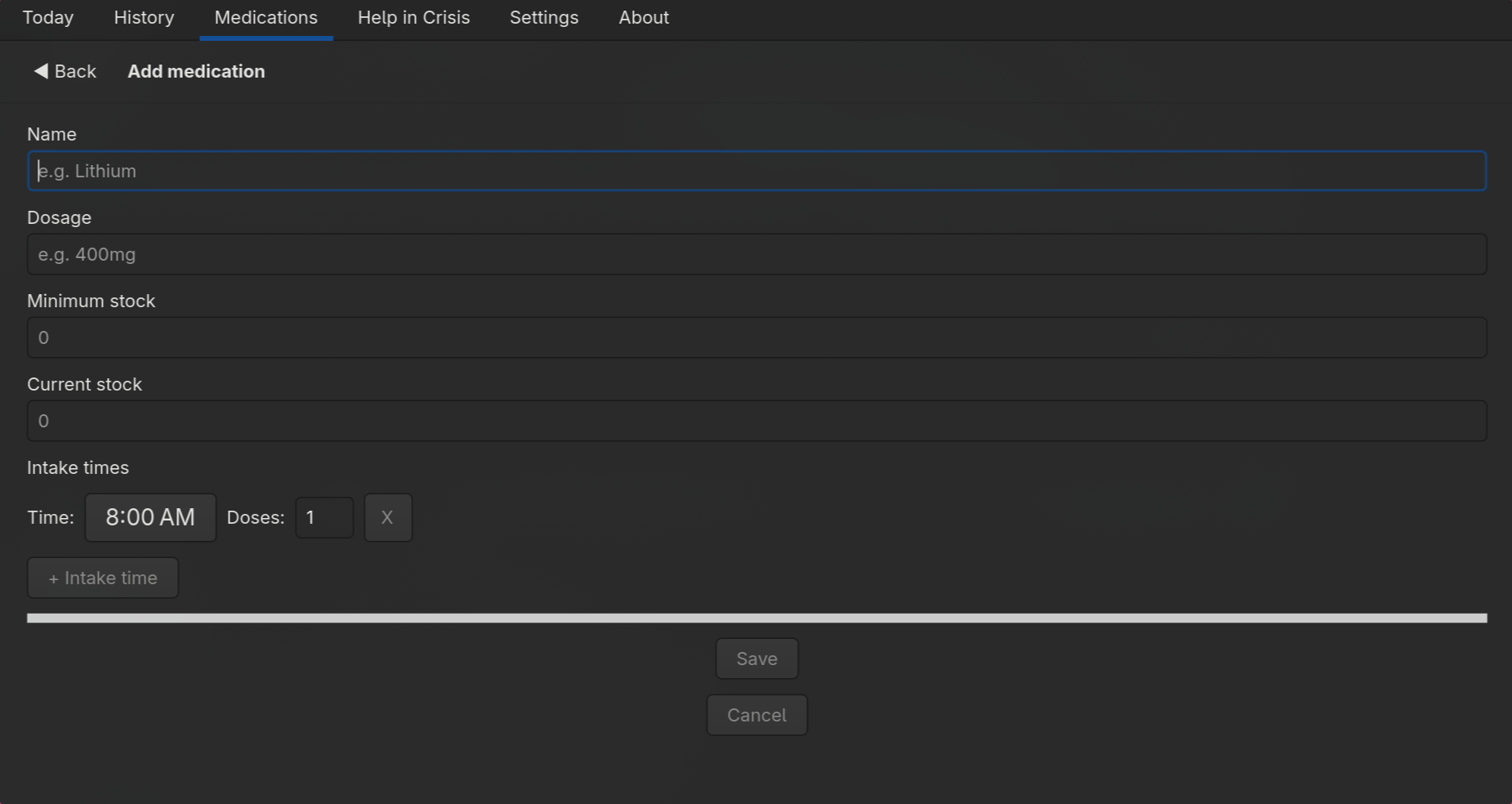
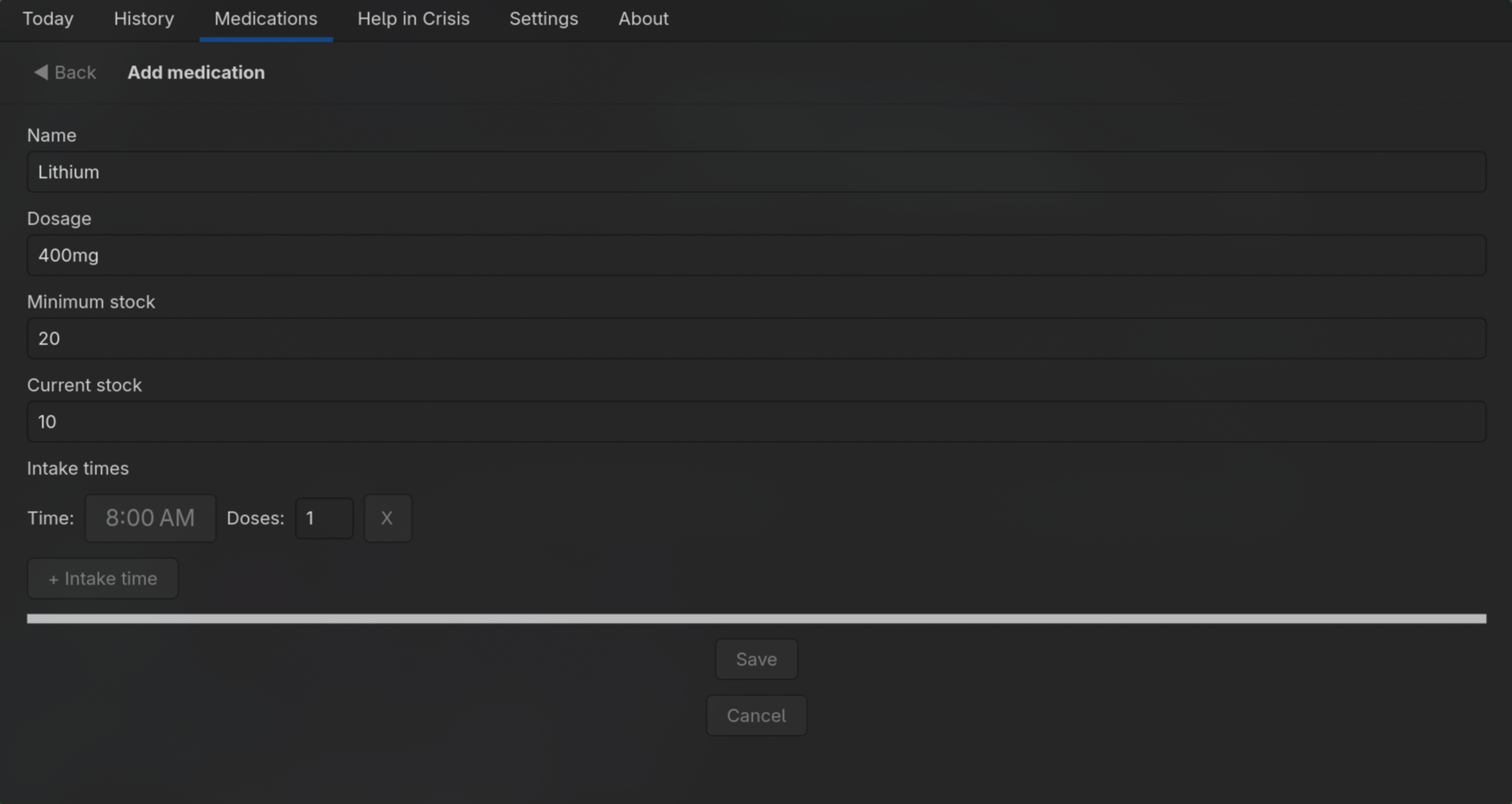
Fill in the following fields:
| Field | Description |
|---|---|
| Name | Active ingredient or brand name (required) |
| Dosage | e.g. "200 mg" or "1 tablet" |
| Minimum stock | Number of tablets at which a warning appears |
| Current stock | How many tablets you currently have |
| Intake times | One or more times of day with the dose count per intake |
Use "+ Add time" to add multiple intake times per medication. The X button next to each row removes it.
Tap "Save" to store the medication.
Editing a Medication
Tap "Edit" on the relevant medication card. The form opens with the existing data pre-filled.
Deleting a Medication
Tap "Delete" on the card. LifeChart asks for confirmation before deactivating the medication.
Stock Warning
The stock display on the card appears green when the supply is sufficient, and red when the current stock has fallen below the minimum stock level.
Intake Reminders
If intake times are entered and the evening reminder is active, LifeChart automatically sets up systemd timers (Linux) that notify you at the configured time via a desktop notification.