6. Settings
Open the "Settings" tab to customise LifeChart to your needs.
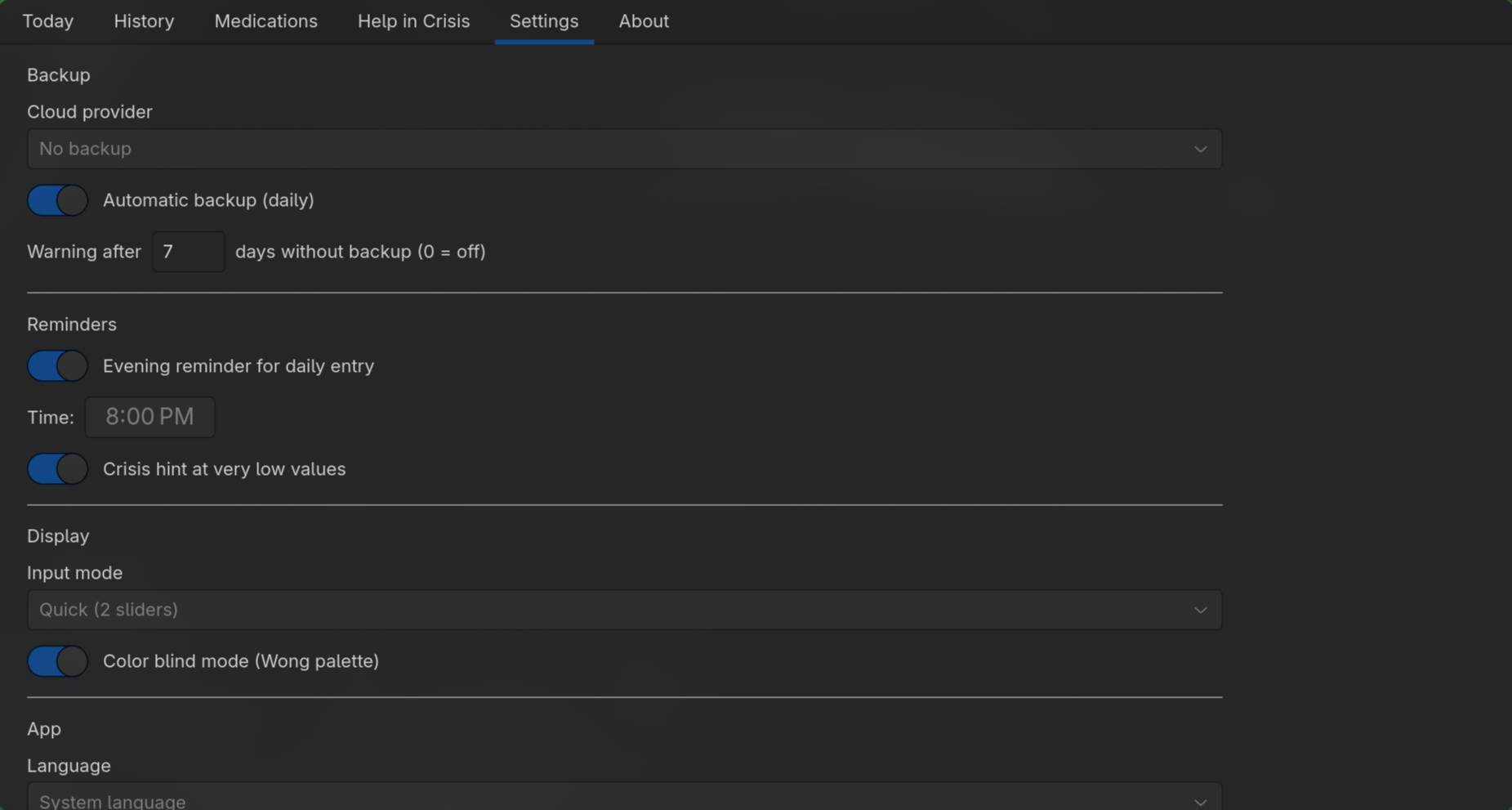
Backup
| Setting | Description |
|---|---|
| Cloud provider | No backup, Nextcloud, or local export |
| Nextcloud credentials | URL, username, and password (shown only when Nextcloud is selected) |
| Automatic backup | Back up after every save |
| Backup warning threshold | Number of days after which a warning appears if no backup has been made |
Reminders
| Setting | Description |
|---|---|
| Evening reminder | On/off + time |
| Crisis hint | Automatically shows a pointer to the crisis resources on critical entries |
Display
| Setting | Description |
|---|---|
| Input mode | Quick (mood/functionality only), Full (all fields), or always ask |
| Colour-blind mode | Adjusts chart colours for common colour vision deficiencies |
App
| Setting | Description |
|---|---|
| Language | System language, German, or English |
Tap "Save Settings" to apply your changes.
Note: A language change takes full effect only after restarting the app.